Configuring 7.1.4 Surround Sound on PS5
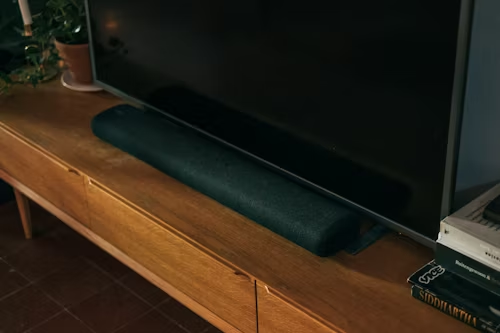
Understanding the Digital Path
To achieve true 7.1 or Atmos audio, your signal chain must be perfect. If you connect your PS5 to your TV and the TV to your soundbar, you must use the **eARC** (Enhanced Audio Return Channel) port. This is especially vital for the PS5 Pro, which utilizes expanded bandwidth for high-fidelity 2026 spatial audio bitstreams.
🔊 Essential Audio Gear
Surround sound will default to basic Stereo if any link in your chain is outdated:
- The Link: Certified 48Gbps HDMI 2.1a cable (See eARC-Ready Cables).
- Isolation: Anti-vibration pads for your subwoofer to prevent floor rattle.
- Cleaning: Optical Grade Microfiber for cleaning sensitive Soundbar mesh.
- Calibration: A sound pressure level (SPL) meter or a dedicated calibration mic.
Step-by-Step Instructions
- Physical eARC Check: Ensure your HDMI 2.1 cable is plugged into the HDMI port labeled eARC on your TV.
- Format Selection: Go to Settings > Sound > Audio Output. Set "Audio Format (Priority)" to Dolby Atmos.
- Device Type: In the same menu, set "Output Device" to HDMI Device (AV Amplifier).
- Channel Count: Ensure "Number of Channels" is set to 7.1 ch.
- Speaker Alignment: Select Adjust Speaker Positions to match your room.
⚠️ Tech Tip: Using a standard HDMI cable from a PS4 or older device will result in "Audio Lag." Atmos requires massive bandwidth that only Certified Ultra High Speed cables can provide without delay.
Is your soundbar lacking height channels?
True 7.1.4 audio requires upward-firing speakers to create the "Atmos Bubble."
Check Atmos Soundbar Compatibility & Prices