DualSense Edge: Replacing Stick Modules
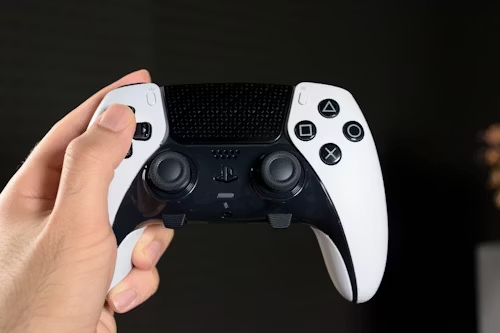
The Modular Solution to Stick Drift
The DualSense Edge is designed for longevity. Unlike standard DualSense controllers found with the PS5 and PS5 Pro, you do not need to solder new sensors to fix stick drift. This modular design is the professional standard for competitive gaming in 2026, allowing for instant hardware refreshes.
🛠️ Required for this Maintenance
To ensure a clean connection and prevent future drift, we recommend the following:
- Replacement Parts: Official Sony Stick Modules or verified Hall Effect alternatives.
- Cleaning Kit: Isopropyl alcohol and compressed air (See our Pro Cleaning Guide).
- Performance Upgrades: High-tension stick caps for better precision.
Step-by-Step Replacement
- Release the Cover: Slide the "Release" latch on the back of the controller to pop off the front black faceplate.
- Lift the Lever: Locate the small silver metal lever on the side of the stick module and pull it upward.
- Slide Out: Pull the old stick module toward you to disconnect it from the internal rails.
- Insert New Module: Slide the new module in until you feel it click, then push the silver lever back down to lock it.
- Customize: While the module is out, it is the perfect time to swap your stick caps. Check our Verified Performance Thumbsticks for height-adjustable options.
⚠️ Tech Tip: If the lever feels stuck, do not force it. Ensure the faceplate is fully removed. Dust buildup in the rails can jam the mechanism; use a precision air duster to clear the housing before sliding the module.
Experiencing Drift on Multiple Controllers?
Before buying new modules, ensure your deadzones are calibrated for the PS5 Pro's high-polling rate.
Check Calibration & Module Prices